


01
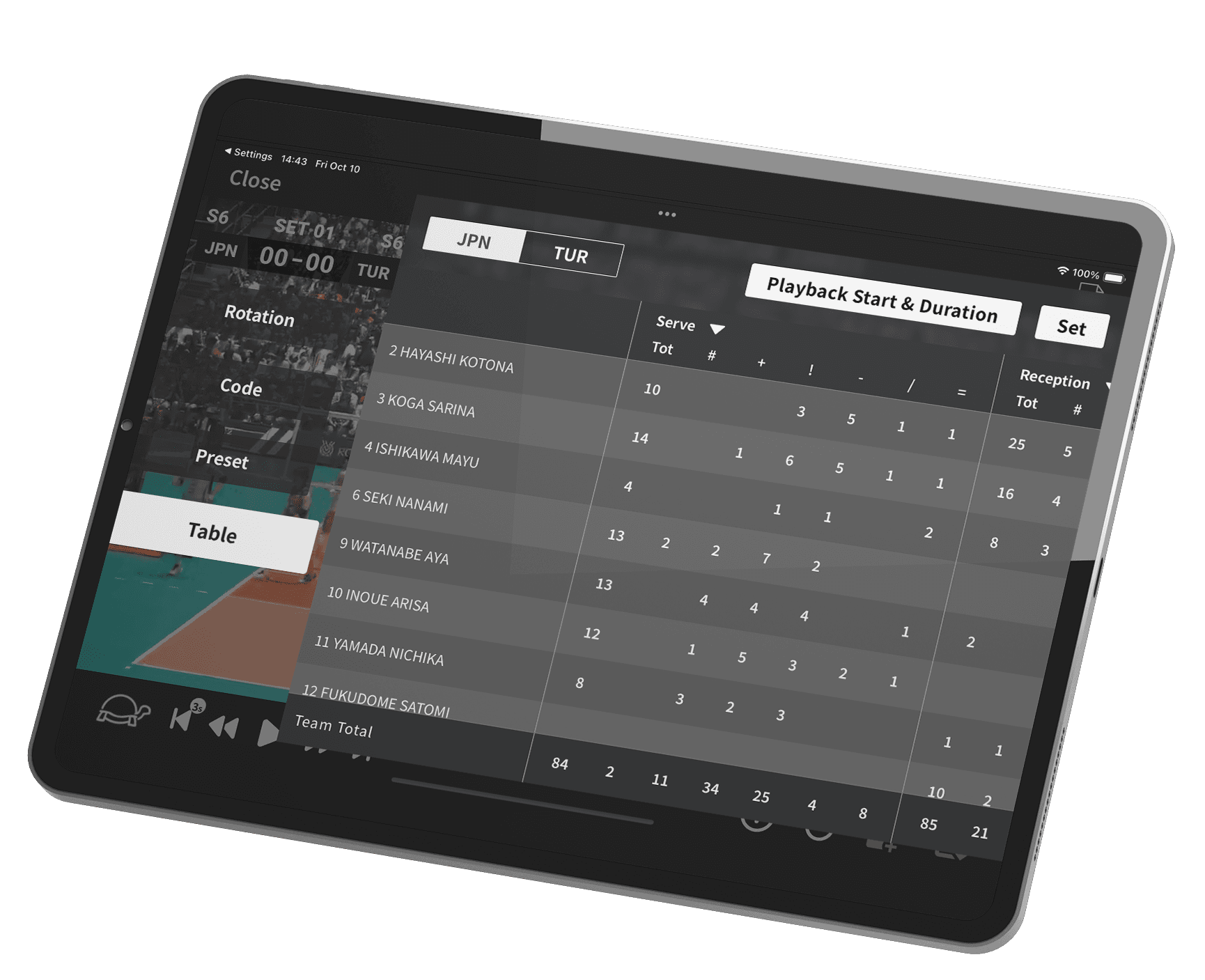
Play and analyze — all in one app
Watch your games while instantly reviewing detailed stats and performance data.
01
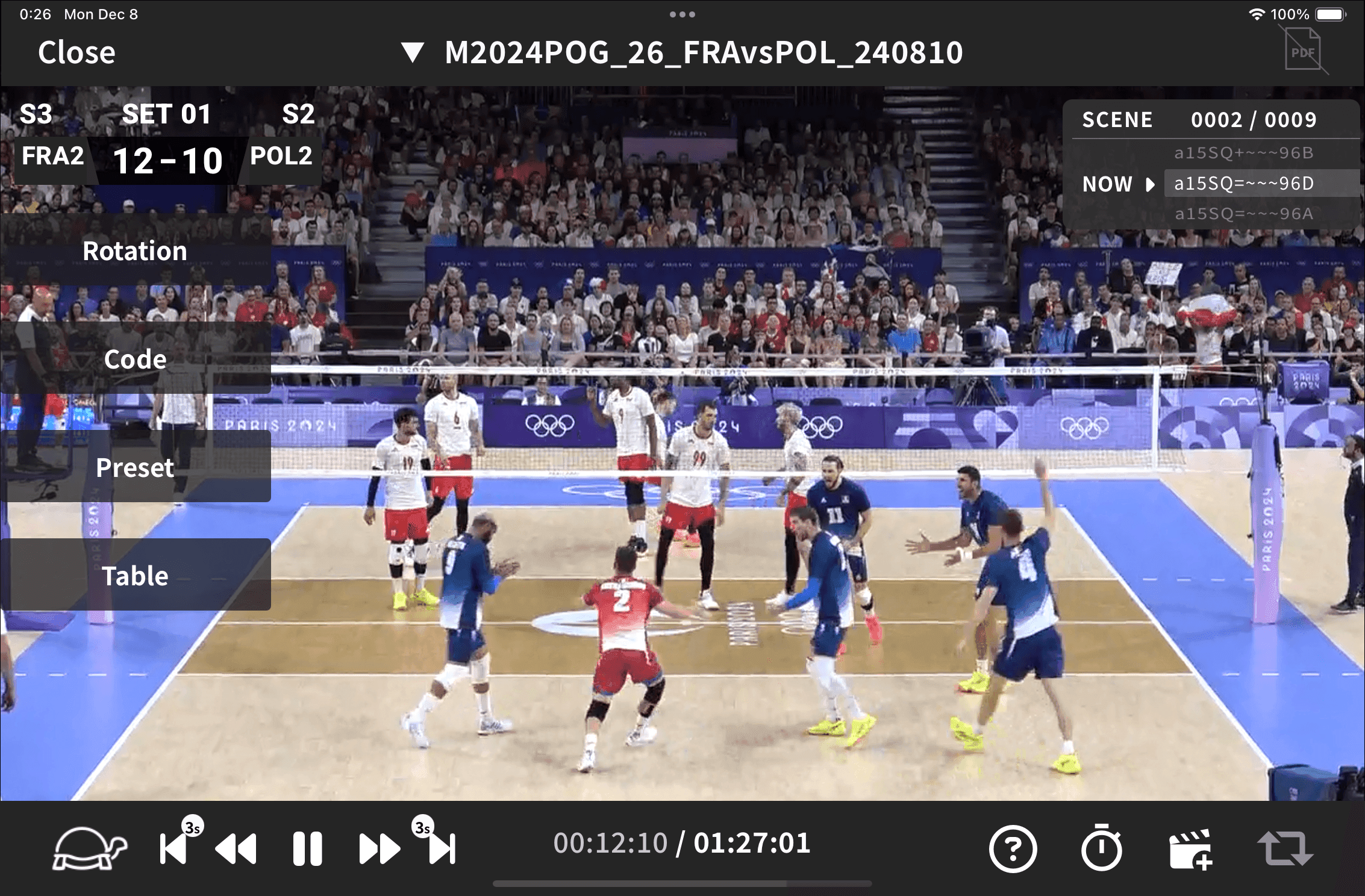
Watch your games while instantly reviewing detailed stats and performance data.
02
Filter scenes by skill, tempo, or player name to pinpoint exactly the moments you need. Review efficiently and focus on what really counts.
03
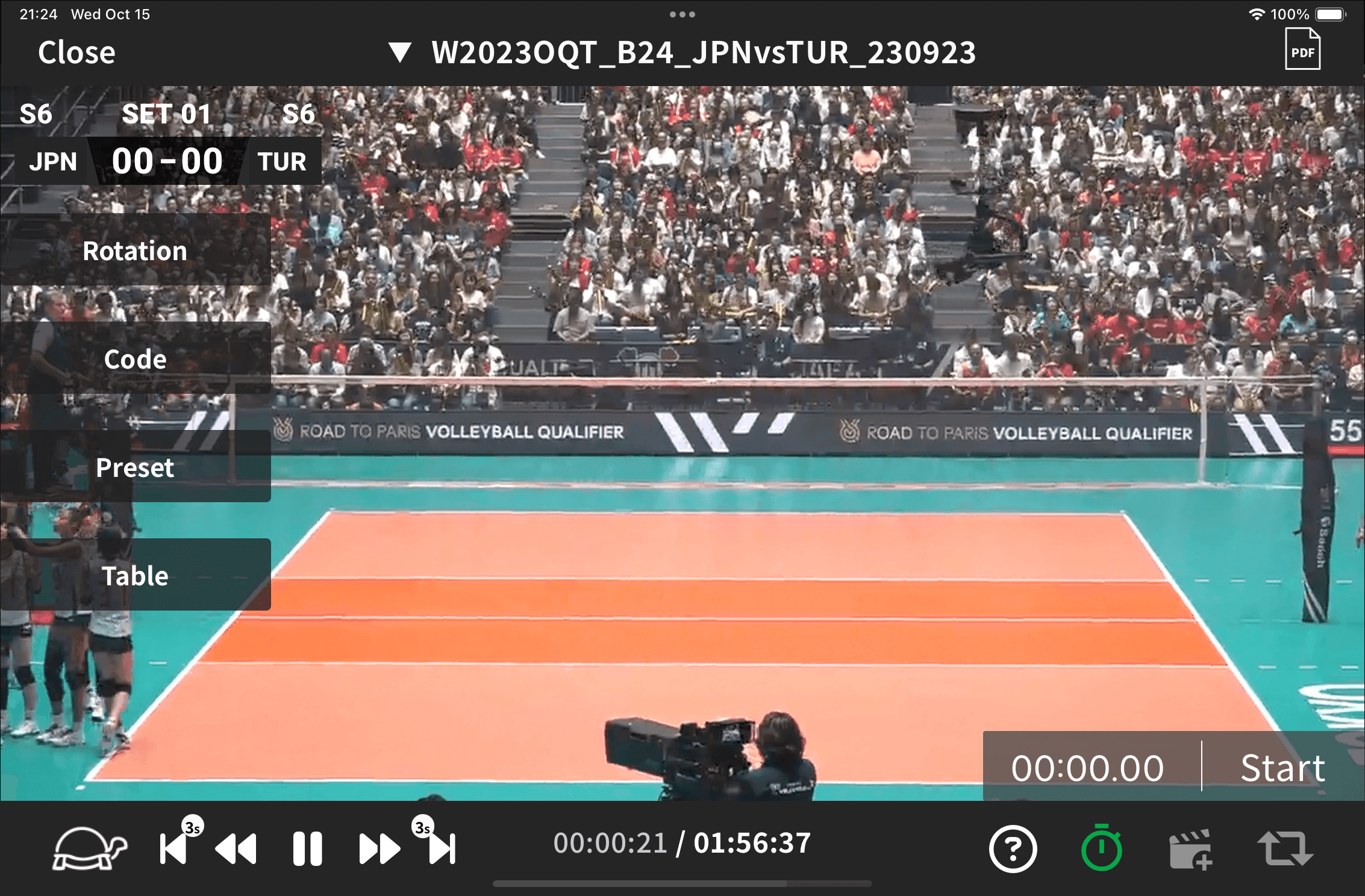
Enjoy full control with slow motion, frame-by-frame, or scene skip playback. Review every play at your own pace and dive into the details.
04
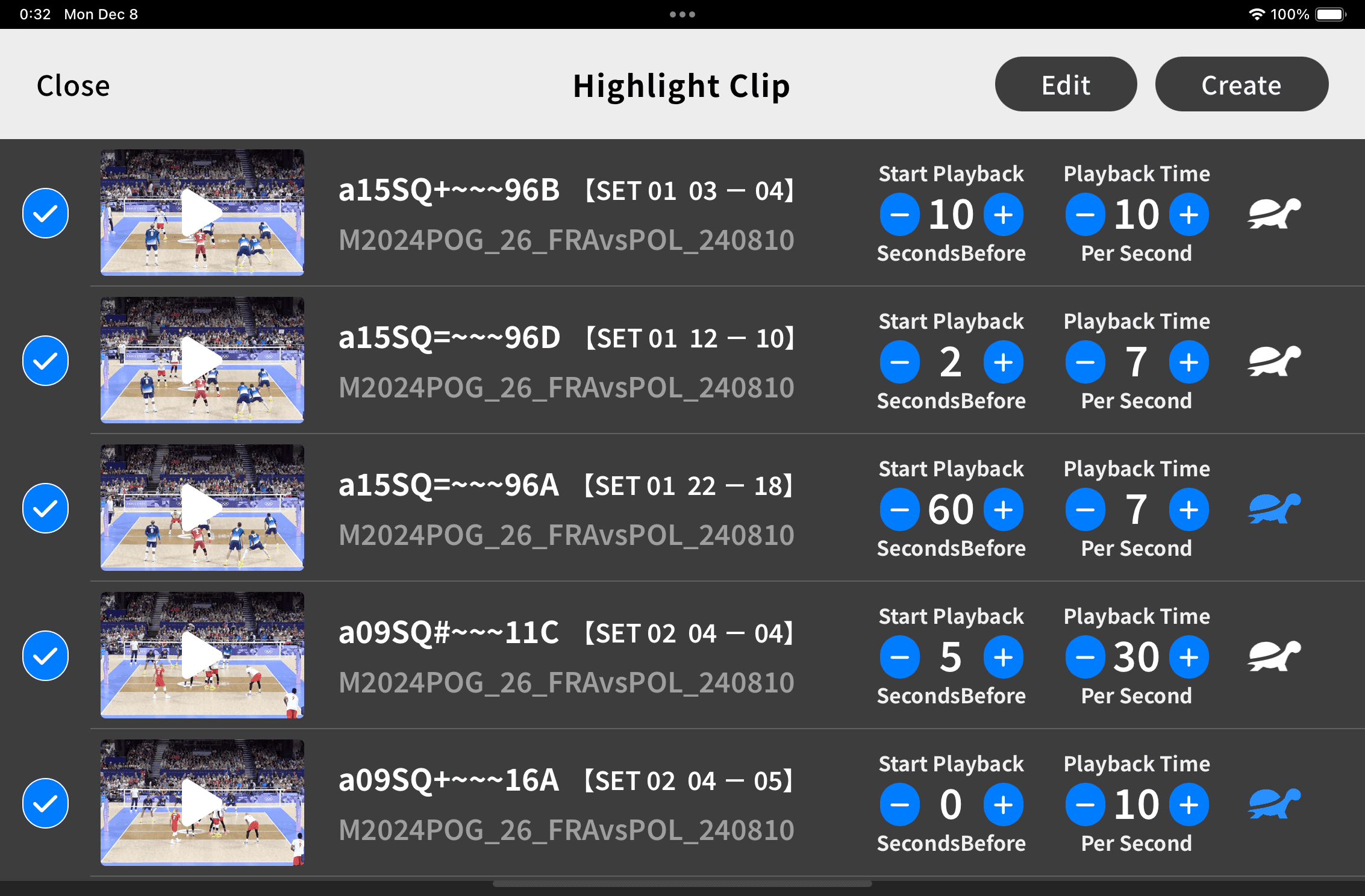
Manage your imported videos in a smart library, and batch-save filtered scenes as highlight clips for easy analysis and sharing.
A clean, intuitive UI that lets you stay focused on analysis — no unnecessary complexity.
Easily share videos and data with teammates via AirDrop or cloud services.
Save frequently used search conditions or skill categories as presets for quick access.
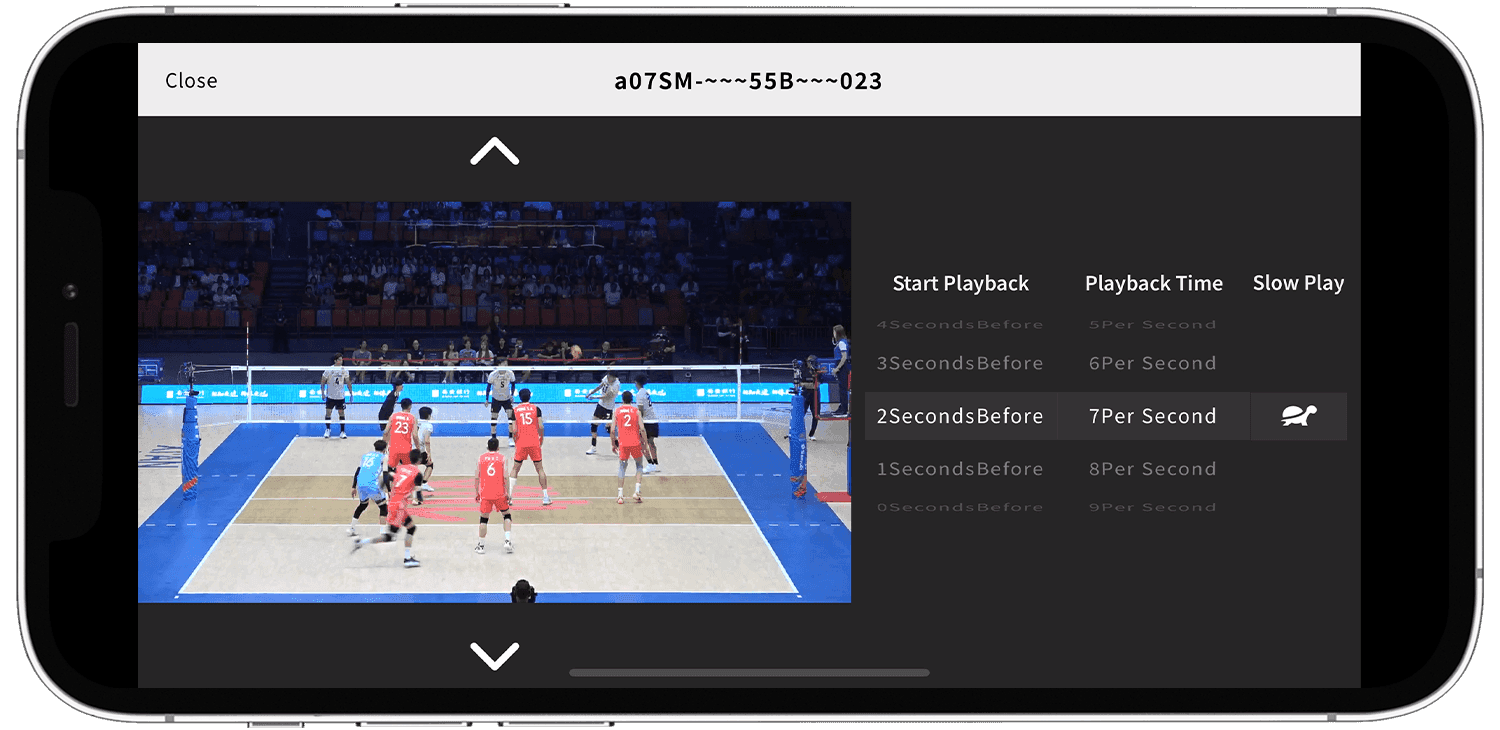
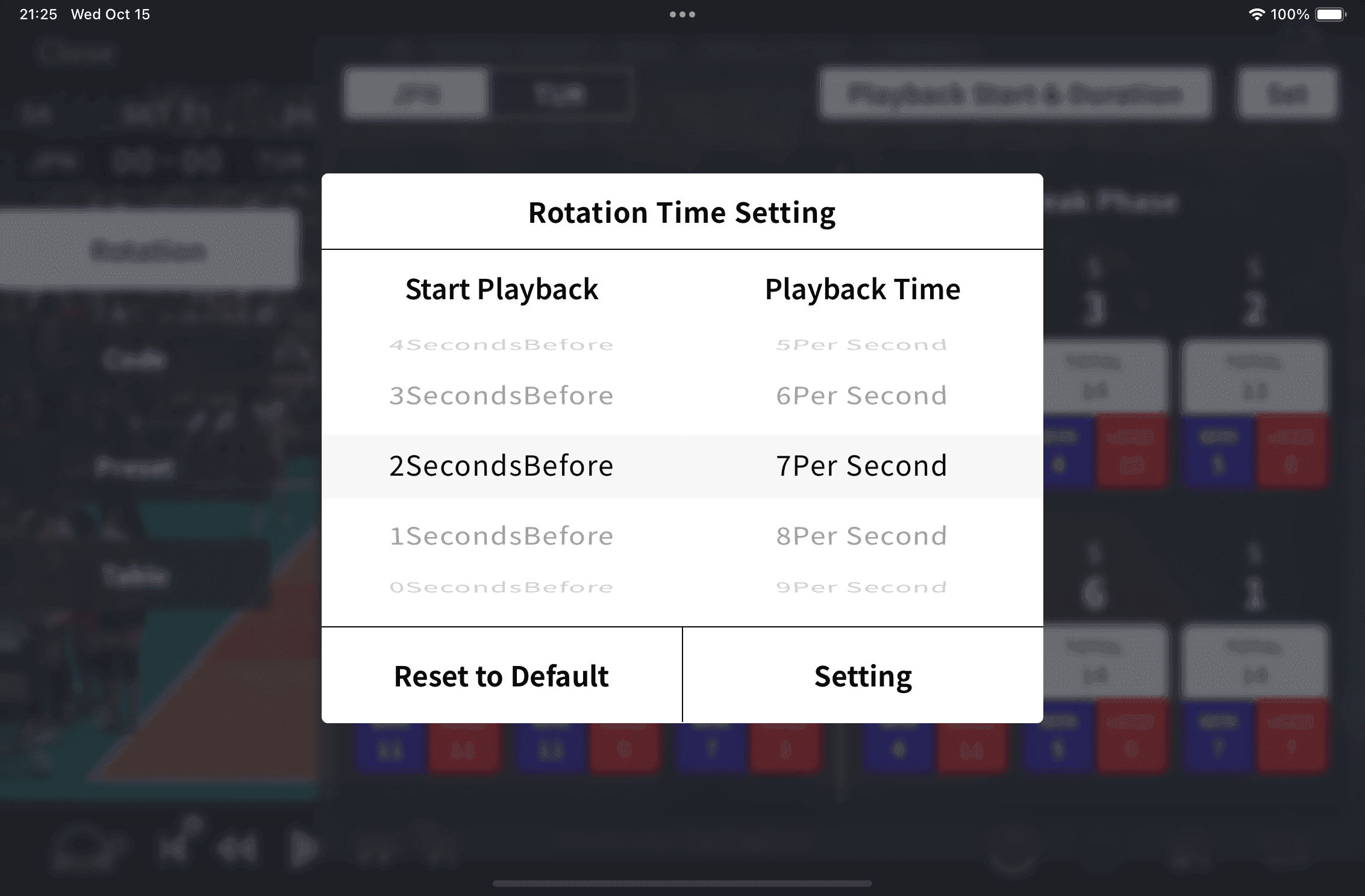
Adjust playback start/end points and speed to match your review style and purpose.
Manage all your match videos in one place — neatly organized by date or venue.
Control your footage with precision using slow motion, frame-by-frame, or scene-skip playback.
* Automatic score and rotation display and scene search require a DVW file recorded with DataVolley or VolleyStation in addition to the video file.
We are currently distributing a beta version of our app. If you would like to try it, we will send you the details individually, so please contact us via the inquiry form.
Currently, there is no Android version available.
Fliplayer is available in beta version. We are developing a new version of Fliplayer for release next spring.
If you wish to use the Fliplayer beta version, please apply via the form below.
We will send instructions on how to download the app to your email address.